
 by
Christian Fischer
by
Christian Fischer
Strong branding begins with consistency, and visuals are the foundation. Every element your audience sees should feel cohesive, from digital ads to packaging and pitch decks. That’s where vector graphics come in. Their adaptability, scalability, and polished look make them a must-have tool for brands and companies to create professional materials with a consistent identity. If you’re looking for editable, ready-to-use vector assets, platforms like Shutterstock provide an impressive selection that caters to every niche and style.

Exclusive: 15% off all standard subscriptions and packages from Shutterstock!
Get 15% off all standard subscriptions and packages from Shutterstock now!
One of the defining strengths of vector graphics is how flawlessly they scale. Unlike bitmap images, which can blur when resized, vectors remain perfectly crisp regardless of size – whether it’s a favicon or a billboard. This alone makes them a top choice for logo design, web elements, and branded illustrations.
But there’s more: vectors are built for modification. You can change color schemes, resize shapes, rearrange layouts, and edit text without losing quality. That means you can start from a base asset and quickly adjust it to fit multiple platforms or campaign variations without needing to build everything from scratch.
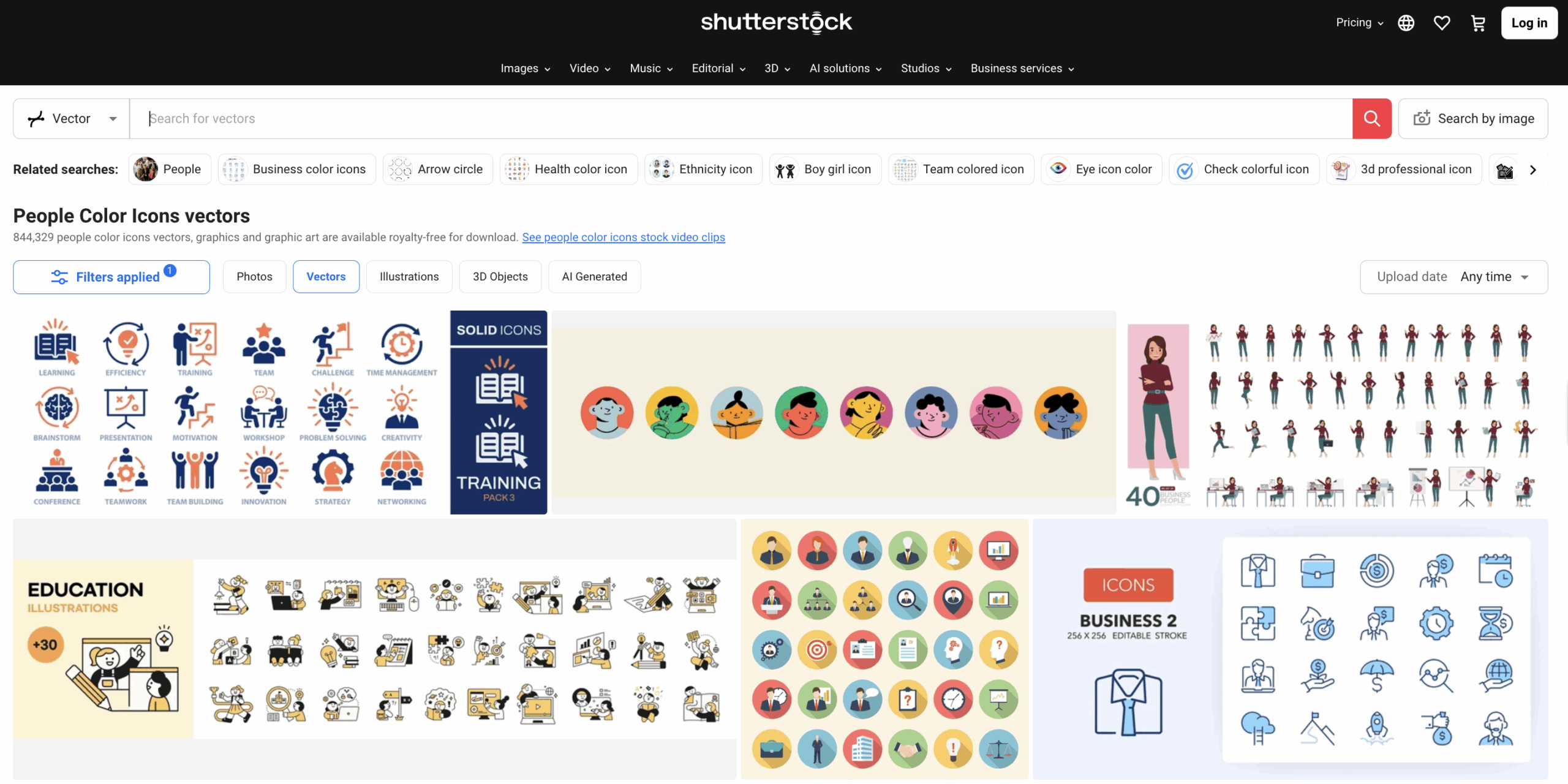
Shutterstock’s extensive vector library, with assets available in formats like SVG and EPS, makes it easy to find professional, editable visuals tailored to diverse industries from healthcare to high-tech.

Shutterstock
Select Shutterstock images || Save up to 20% ||
Vector files are highly customizable, letting you adapt each detail to reflect your brand’s personality. Here are a few core components you can easily tailor:
Because Shutterstock vectors are designed with usability in mind, their files are layered and organized, streamlining the editing process for pros and beginners.
When using premade assets, thoughtful editing is the key to avoiding a “cookie-cutter” look. Follow these best practices to ensure your personalized editing stay true to your brand identity:
Stock vectors from providers like Shutterstock support this workflow by offering clean, customizable designs that match modern aesthetics and business needs.
Exclusive: 15% off all standard subscriptions and packages from Shutterstock!
Get 15% off all standard subscriptions and packages from Shutterstock now!
Before jumping into edits, selecting assets that give you the flexibility you need is worth it. When browsing for vector files, make sure they:
Shutterstock’s collection ticks all these boxes, offering visuals that are not only attractive but practical, as they’re designed with the needs of modern marketers and design teams in mind.
Shutterstock
Select Shutterstock images || Save up to 20% ||
You don’t need a complete design department to make impactful edits. With the right tools, personalizing vectors is easier than ever. Here are a few popular options:
Shutterstock vectors are compatible with all these platforms, so once you’ve downloaded your asset, it’s ready for immediate editing, and no extra steps or conversions are required.
To ensure your final designs are polished and brand-aligned, run through this list before finalizing:
Customizing vector graphics offers a smart, scalable way to manage your brand visuals without wasting time or budget. Whether launching a new campaign or refreshing evergreen assets, having the right base files can make all the difference.
With a curated selection of editable vectors, Shutterstock helps creative professionals and business owners quickly produce sleek, on-brand designs. Plus, with flexible image packs and subscription options (often available at discounted rates), it’s easier than ever to build a polished brand presence, even on a tight schedule.
THE AUTHOR
Christian Fischer

B2B marketing has changed a lot in recent years. Attention spans are shorter, and expectations are higher. Businesses are not only competing with their offers, but also with how clearly they present them. Visual content, especially video, has become more important across channels. Still, not all content delivers the same results. Understanding what tends to work […]
Marketing has evolved into a constant flow of content. Brands are no longer producing visuals occasionally—they are producing them continuously. This shift has transformed how businesses approach imagery. What used to be a simple choice between stock photos and custom photography has become a strategic decision tied to performance, scalability, and speed. Both options have distinct strengths, and […]

By 2026, social media has transformed into a high-stakes visual economy. With attention spans measured in milliseconds, the standard stock photo is no longer enough to keep users engaged. For brands looking to scale, the transition from free assets to a professional library like Shutterstock is often the turning point. But does the investment translate to actual […]