
 by
Christian Fischer
by
Christian Fischer
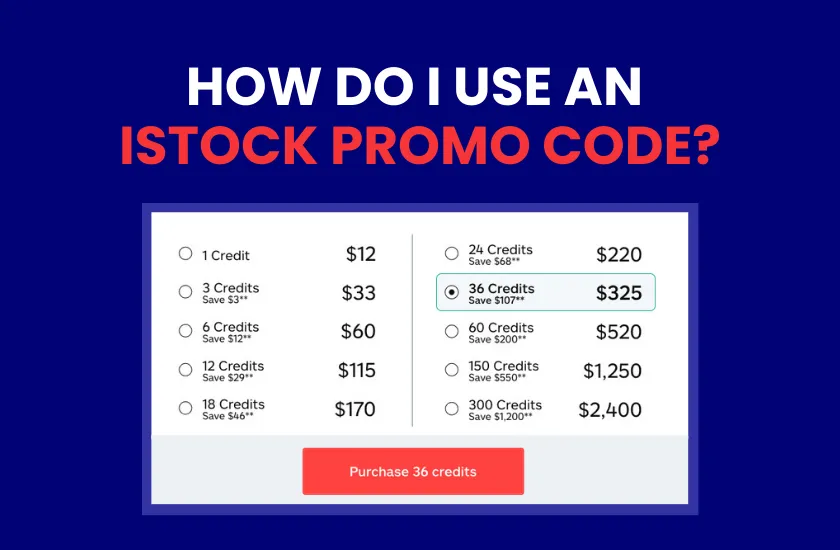

So, you’ve secured your exclusive Photocase discount for iStock, and you’re ready to download. But where exactly do you put it?
iStock’s checkout process is straightforward, but the promo code field is a little tucked away. Follow this quick guide to make sure your savings are locked in before you hit “purchase.”
If you don’t have our codes yet, grab them right now before diving into the rebating steps!

25% Off All iStock Large Credit Packs (18+ Credits)
Unlock a 25% discount on all credit packs from 18 credits and up at iStock!
15% Off All iStock Subscriptions and Credit Packs
Enjoy a 15% discount on any iStock subscription or credit pack!
Select one of our two active promo codes for iStock:
25% Off All iStock Large Credit Packs (18+ Credits)
Unlock a 25% discount on all credit packs from 18 credits and up at iStock!
15% Off All iStock Subscriptions and Credit Packs
Enjoy a 15% discount on any iStock subscription or credit pack!
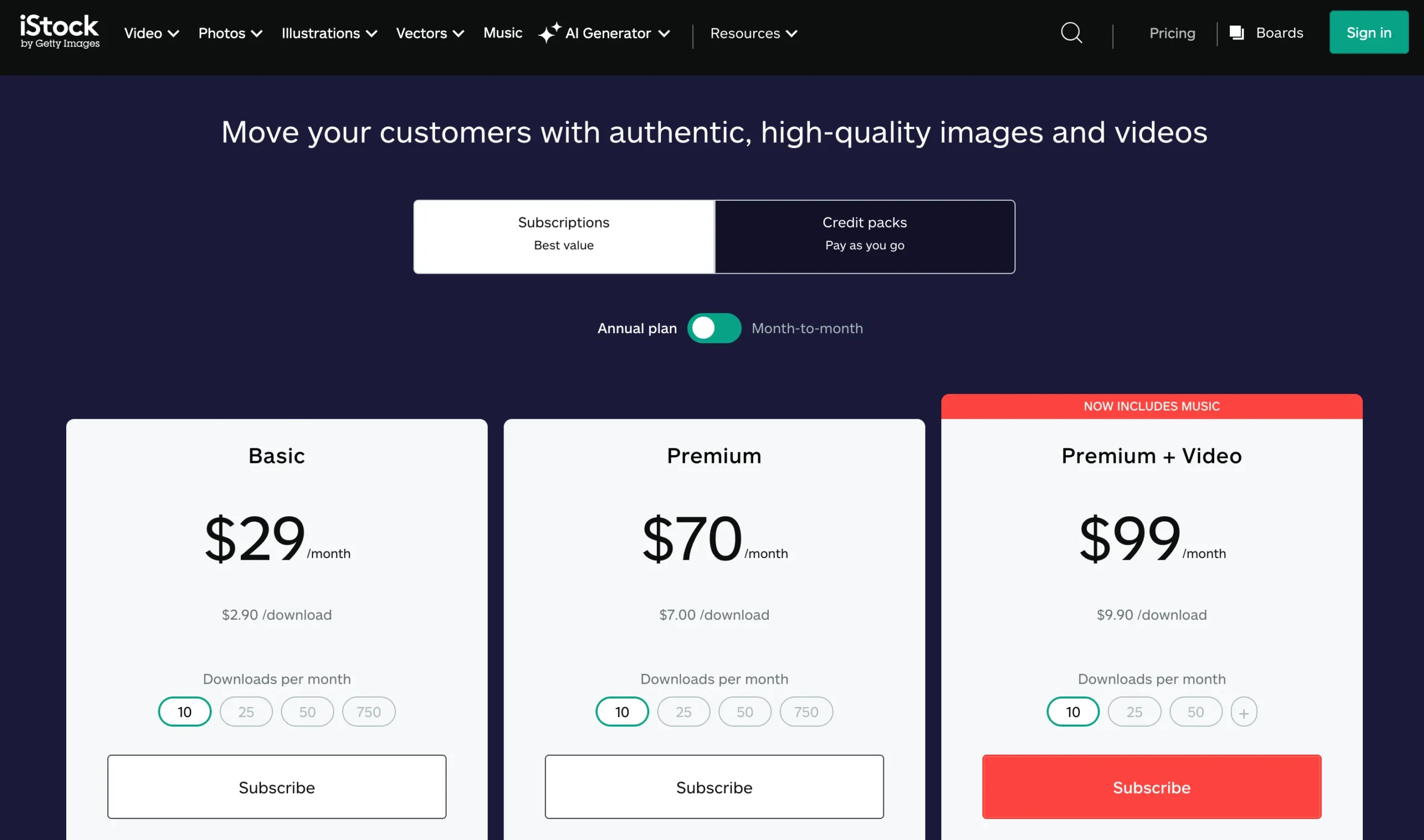
When you click on our banner, in addition to the pop-up window, our link will also direct you to iStock’s plans and pricing page, where you must select the product to purchase.
Once you’ve made your selection, click the “Buy” or “Add to Cart” button.
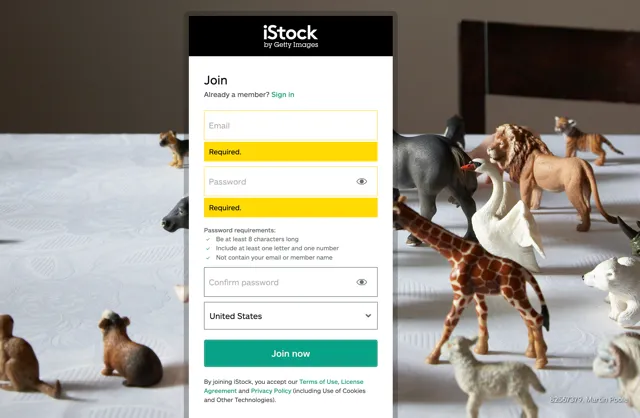
You cannot apply a promo code as a “guest.” You’ll be prompted to log in to your iStock account, using your username or email and password.
If you don’t have an account yet, creating one takes less than a minute and is cost-free. All you need to do is enter a valid email address and a password, then verify your account via the link you’ll receive from the platform in your inbox.
Pro Tip: Our exclusive codes are valid for brand-new users and long-time iStock customers.
After signing in, you’ll reach the checkout page where you enter your billing information. Look to the right-hand side of the screen (or scroll down on mobile). There you will see the order summary detailing your selected credit pack or subscription, its price, and the subtotal and total to pay.
Underneath your subtotal and just above the tax information, look for the text in green:
“Have a promo code?”
Click that green text to reveal a text box. Carefully paste your Photocase exclusive code into the field and click “Apply.”
Important: As soon as you apply the code, you must see the total discounted and the final price to pay must reflect that deduction.
If the price doesn’t drop, check that you’ve met the credit count requirement (18+ for the big 25% discount), and that you’re using the right code for your intended purchase (one code only works for large credit packs, the other covers subscriptions and small packs).
Once you verified that the discount is applied, you can complete the billing and payment information and proceed to “Complete Purchase” to check out. As soon as your payment is processed in the platform, which usually takes no more than a couple of minutes, your discounted subscription or credit pack will be added to your account, and you’ll be ready to start downloading.
Not sure which code applies to your cart? Here is the quick breakdown:
While you can find many codes online, our partnership with iStock ensures that these specific discounts are verified for 2026. By using our links and codes, you avoid the “Invalid Code” errors common with generic coupon sites and get straight to your creative work.
THE AUTHOR
Christian Fischer
When using coupons and promo codes online, the expiration date is a common concern, especially when it is not explicitly stated. Nobody likes finding a great deal only to have it fail at the final second! iStock, like many other stock media agencies, runs promotions and sales throughout the year, some with shorter lifespans than others. This […]

Ever come across a great iStock promo code but feared it wouldn’t work because of your geographic location? We’re here to put your mind at ease. The current iStock partner codes are designed for a global audience. At Photocase, we have two awesome iStock discount codes available to you, no matter where you are in the world. […]
Have you ever been about to confirm a purchase on iStock, happy that you have a promo code to save money, and then doubt crept in about whether you should wait and see if a bigger sale comes along? You’re not alone; since iStock hosts more than one sale event every year, it’s common for users to wonder […]